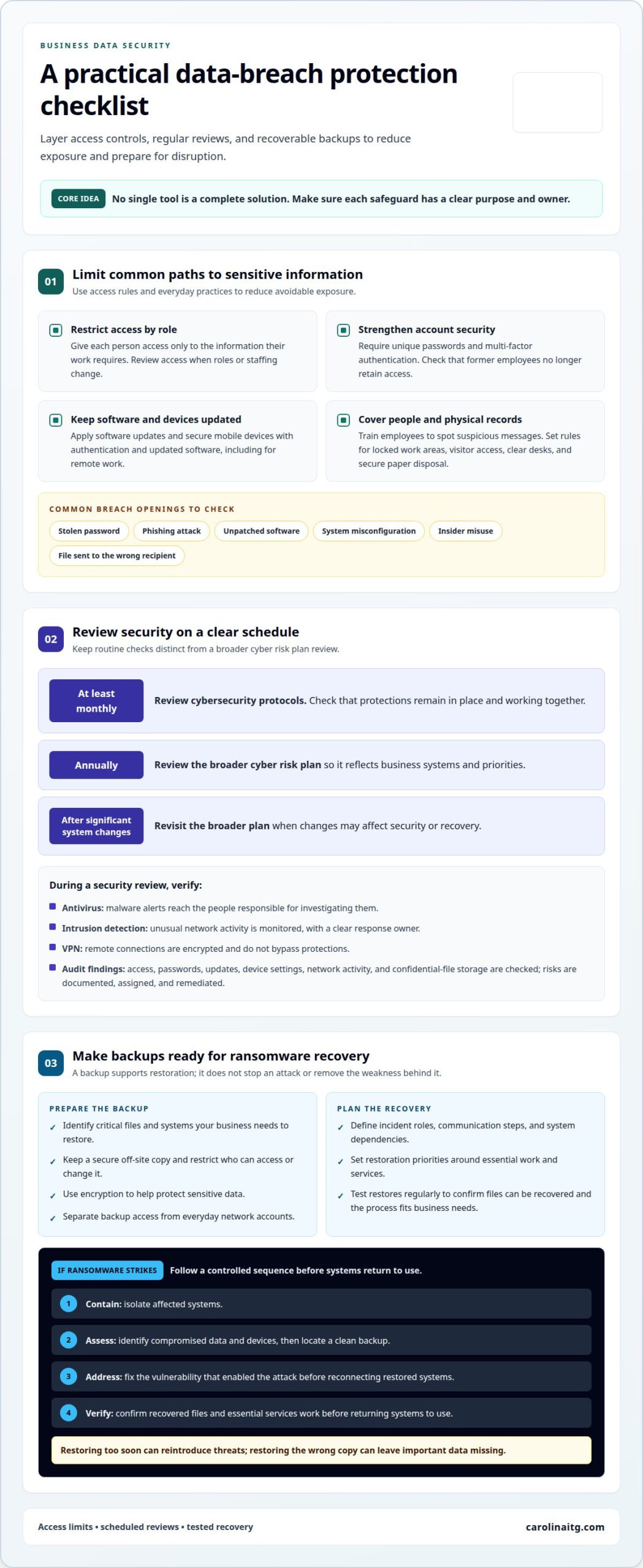
A data breach occurs when unauthorized people or software access sensitive or confidential information, potentially exposing customer records, financial details, or other business data. Knowing how to protect your business from a data breach starts with layered safeguards: limit access to what each employee needs, keep software patched, use multi-factor authentication, and review cybersecurity protocols at least once a month. Review your broader cyber risk plan annually and after significant system changes.
If ransomware blocks access to files, secure off-site backups can help your business restore important data, while an incident response plan guides containment and recovery. This article explains what constitutes a data breach, how often to review security measures, and how backups support recovery.
Key Takeaways
- Learn what makes an incident a data breach and why security audits can help uncover weaknesses before they expose business information.
- Understand how regular security reviews help keep antivirus, multi-factor authentication, intrusion detection, and VPN protections working together.
- See how securely stored backups can support recovery if ransomware disrupts access to business data.
- Explore how professional cybersecurity and backup support can help your business strengthen its defenses and plan for recovery.
1. What Is A Data Breach?
A data breach happens when unauthorized individuals or software access confidential information and expose it. A stolen password, phishing attack, unpatched software, system misconfiguration, or insider misuse can open the door. For example, sending a customer file to the wrong recipient can reveal personal details without a hacker entering your network. Stolen information may also be sold or used in later attacks, damaging your reputation and customer trust.
U.S. requirements depend on the information your business handles, where it operates, and its industry. Businesses that accept credit or debit cards must comply with the Payment Card Industry Data Security Standards. Data protection laws, including the California Consumer Privacy Act, can also carry legal or regulatory consequences when they apply. A professional can map the relevant obligations to your systems and data instead of assuming one standard fits every business.
Security audits can uncover weak points before an attack. A professional reviews user access, password practices, software updates, device settings, network activity, and how confidential files are stored. The audit should document risks, assign responsibility, and guide remediation. Regular reviews can also catch changes, such as a former employee retaining access or a new system storing sensitive information without adequate safeguards.
To protect your business, a professional can require unique passwords, enable multi-factor authentication, and train employees to recognize suspicious messages. Security protocols can cover locked work areas, clear desks, visitor access, and secure disposal of paper records. Access controls limit each person to the information their role requires. For remote work, professionals can secure mobile devices with authentication and updated software, then assess whether remote access exposes company systems. Common breach impacts include business interruption, lost customer confidence, identity theft, and financial loss. The effects depend on what data was exposed and how widely it spread.
2. How Often Should a Professional Check Your Security Measures?
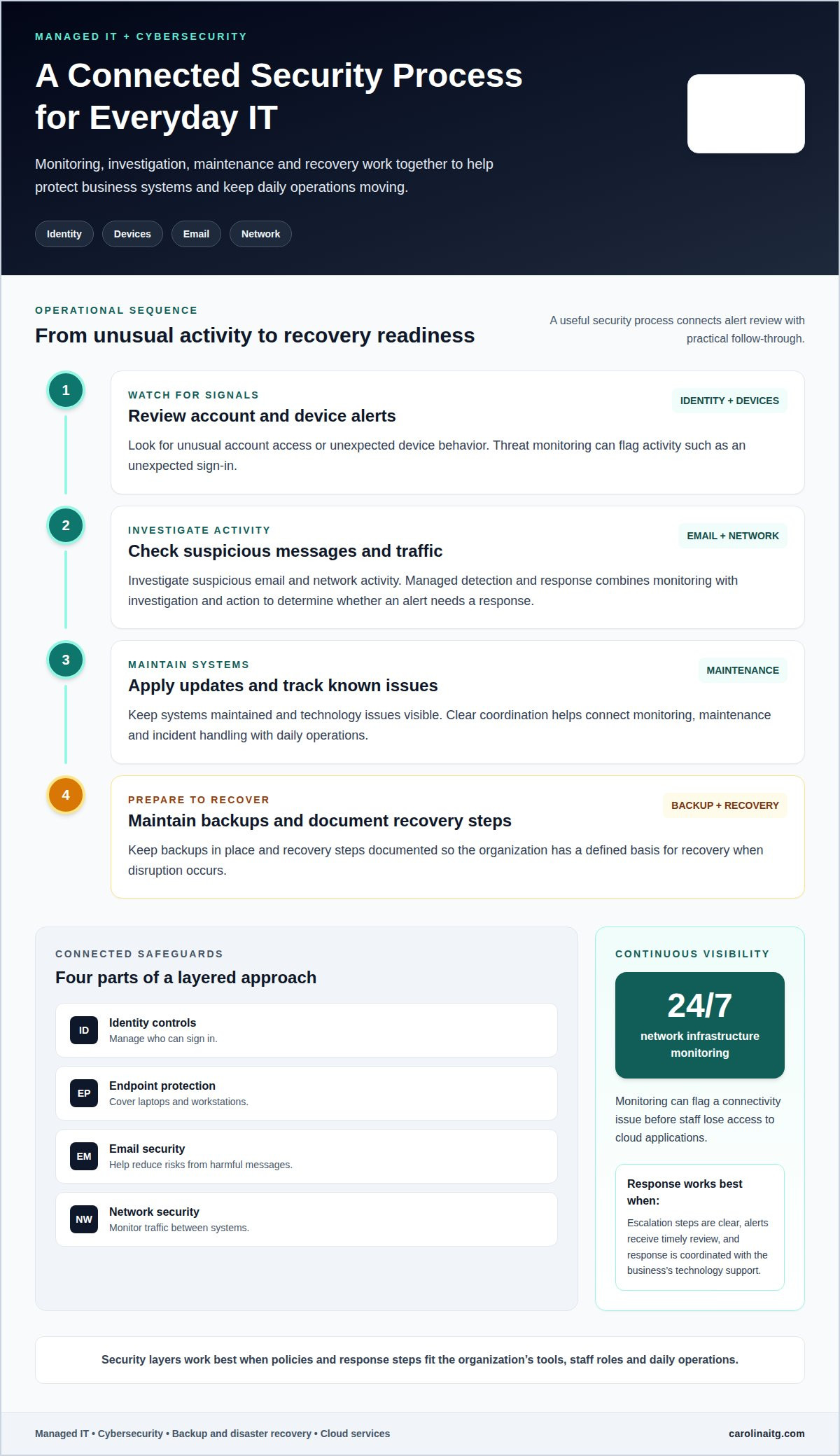
Review frequency matters, but a useful assessment also examines how protections work together. A professional can check whether antivirus alerts reach the people responsible for investigating them, whether an intrusion detection system flags unusual network activity, and whether a virtual private network encrypts remote connections. For example, an alert about unexpected data transfers needs a clear owner and response process, not just a place on a dashboard. This turns the question of how to protect a business from a data breach into practical decisions about coverage and accountability.
These tools address different risks. Antivirus detects and removes malware, an intrusion detection system monitors suspicious activity, and a VPN encrypts internet traffic. A professional can map which systems and users rely on each safeguard, then identify gaps where alerts could be missed or connections could bypass protections. This helps explain how to protect your business from a data breach without treating any one tool as a complete solution.
A cybersecurity plan should fit the way your business operates. A professional can document which systems support essential work, who makes decisions during an incident, and how service dependencies shape recovery priorities. Cyber liability insurance may help cover breach-related expenses, such as forensic investigations, legal fees, or public relations. Some policies may also offer security assessments, employee training, or incident response planning resources. Coverage and support vary by policy, so insurance and the security plan should address distinct needs.
Use a professional review to connect technical findings with clear ownership and business priorities. Discuss a security review to identify practical next steps.
3. Data backups and ransomware recovery
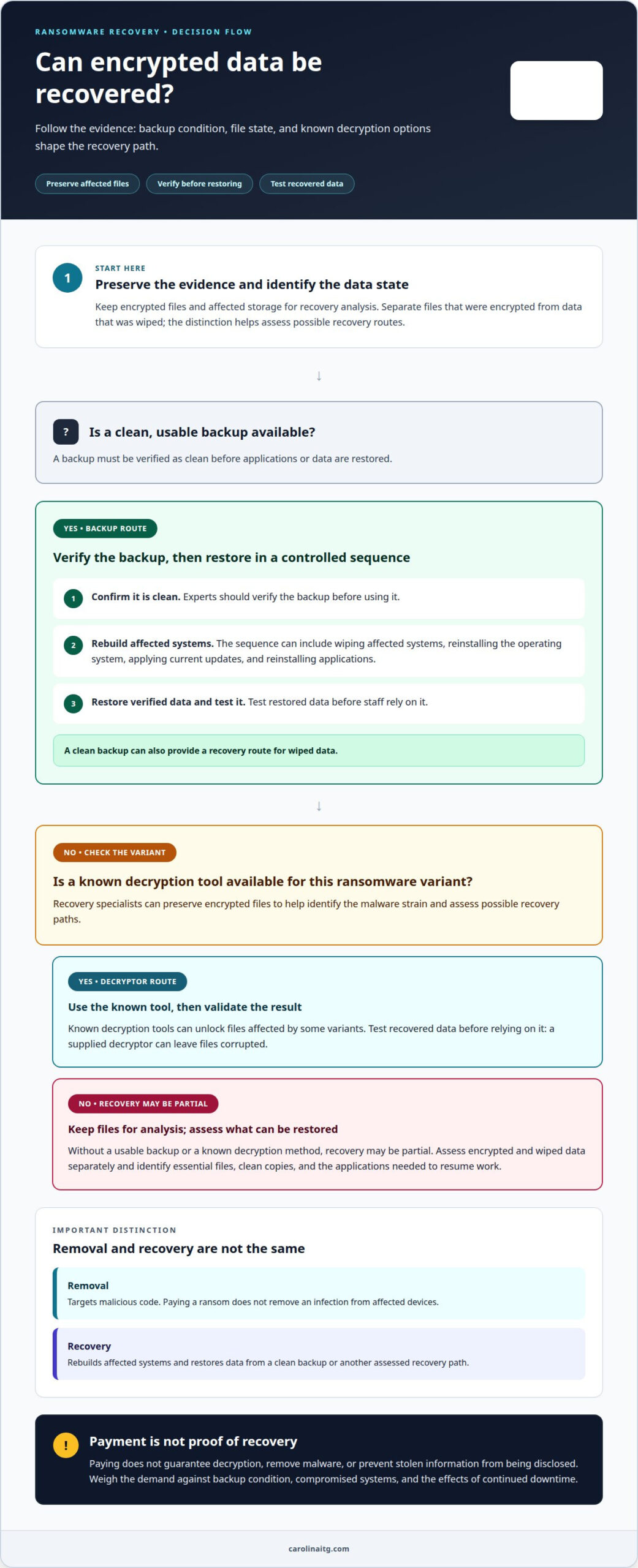
Ransomware can encrypt business files and disrupt access to sensitive information. A secure off-site backup gives your team another copy if production systems are compromised. It supports recovery, but it does not stop an attack or remove the vulnerabilities that allowed it. Preventing data breaches still requires security measures that limit threats before they reach company data.
A professional can design backup practices around the systems and information your business needs to restore. This means identifying critical files, choosing a secure off-site location, and restricting who can access or change backup copies. Encryption can help protect sensitive data from unauthorized access. Separating backup access from everyday network accounts can also make it harder for an attacker with compromised credentials to reach both working files and backups.
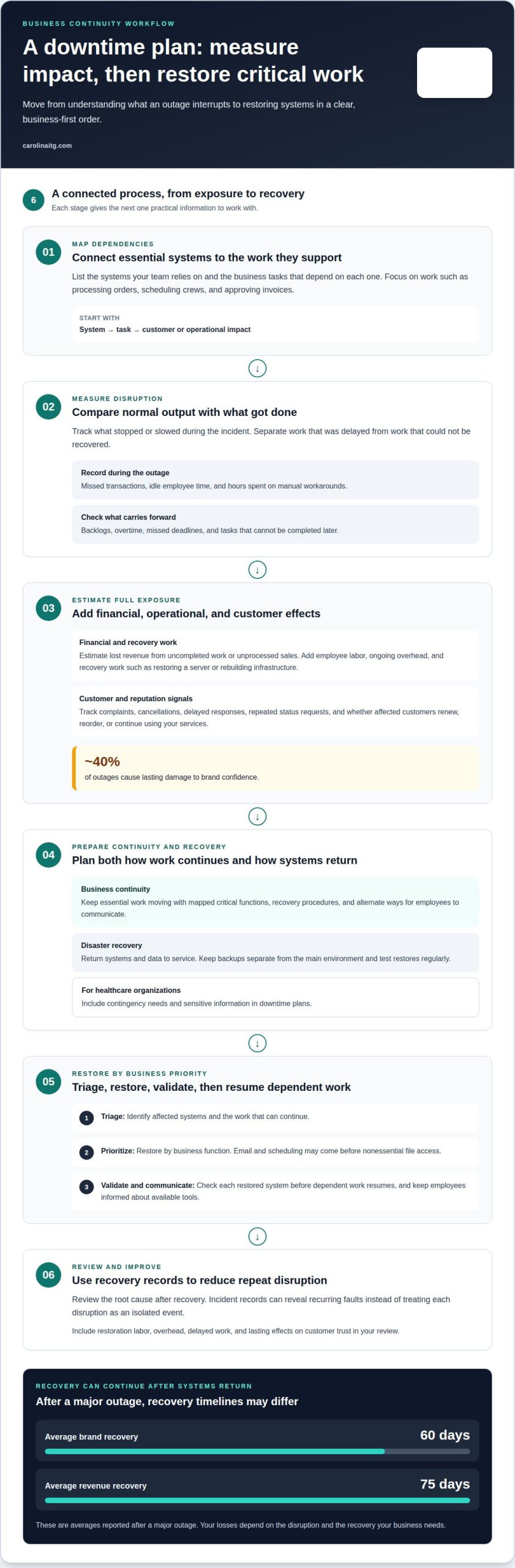
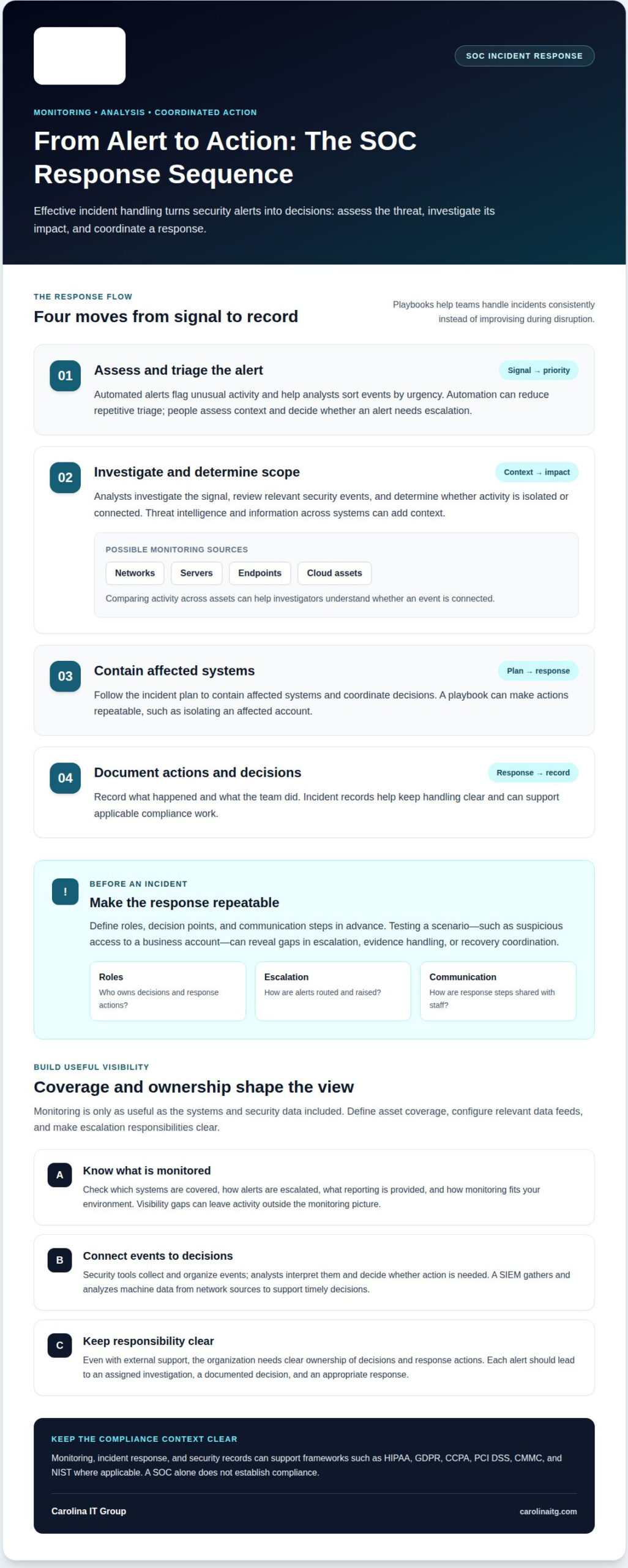
If ransomware strikes, begin by containing the incident. A professional isolates affected systems, assesses which data and devices were compromised, and identifies a clean backup for restoration. Before reconnecting restored systems, the team addresses the vulnerability that enabled the attack and verifies that recovered files and essential services work. Restoring too soon can reintroduce threats; restoring the wrong copy can leave important data missing.
Recovery planning also needs clear roles, communication steps, and a record of which systems depend on each other. A healthcare practice, for example, may need patient records and scheduling systems available in a coordinated order. Regular restoration tests help reveal whether backup files can be recovered and whether the process matches business needs. The takeaway: a backup matters only when it is protected, recoverable, and included in a practiced response plan. Discuss backup and ransomware recovery planning to strengthen your recovery approach.
Carolina IT Group
Carolina IT Group helps local businesses manage data breach risks with practical security and recovery support in Greenville, Raleigh, and Wilmington. If your systems have changed, security reviews are overdue, or you’re unsure whether critical files can be restored, professional guidance can help clarify priorities.
Through Managed IT Services and Cybersecurity, the team can help assess security needs and implement protective measures. Backup and Disaster Recovery can help your business plan to restore data after ransomware or another disruption. The right approach depends on the information you handle, the systems your staff rely on, and how your business needs to recover.
Carolina IT Group’s team can help you connect prevention, ongoing security, and recovery planning. Contact Carolina IT Group to discuss protecting your business data.
Make Your Next Security Decision Count
Deciding how to protect a business from a data breach is not just a technical choice. It affects how confidently your team can serve customers and keep work moving. Set a practical next step: review priorities with a qualified team, clarify who owns each decision, and align safeguards with the way your business operates.
Carolina IT Group provides Managed IT Services and Cybersecurity, with Backup and Disaster Recovery to support continuity planning. These services can be coordinated around your organization’s systems and needs rather than treated as separate fixes. Use the discussion to assign clear ownership, decide what to address first, and shape a plan employees can follow as systems change.
Contact Carolina IT Group to discuss a sensible next step for your business. A clear plan gives your team a stronger path forward.
Frequently Asked Questions
What Is A Data Breach?
A data breach occurs when someone accesses or exposes business information without authorization. It may involve customer contact details, payment records, employee files, or internal plans. The cause could be a malicious intrusion or a handling mistake. Once you discover a breach, determine which information and systems were involved so you can respond appropriately.
How Often Should a Professional Check Your Security Measures?
A professional should review core security measures at least once a month, revisit the broader cyber risk plan annually, and update it after significant system changes. Reviews should look beyond software status: new employee accounts, departing staff access, recent alerts, and changes to business workflows can all affect exposure. For example, a new payroll platform may change which systems store employee information.
What can attackers do with stolen data?
Attackers may sell stolen information, use it for identity theft, or exploit it in future attacks. For example, a list of employee names and job roles could help someone create a convincing message requesting a payment change. Customer details could also be used to impersonate your business. Limiting exposed information helps reduce opportunities for misuse.
What is the best method to safeguard customer data privacy?
No single measure protects every customer record. Combine limited data collection, role-based access, and encryption. For example, staff scheduling appointments may need contact details but not payment records. Restricting access by job role reduces unnecessary exposure, while encryption helps protect information if files or devices are accessed without permission. Clear handling procedures also help employees share customer data only through approved channels.
How can a cybersecurity provider assess and reduce risks for a small business?
A cybersecurity provider can review your systems, identify vulnerabilities, and prioritize practical fixes based on the information and operations at risk. Carolina IT Group provides regular security audits and vulnerability assessments alongside Managed IT Services and Cybersecurity. For small businesses in Greenville, Raleigh, and Wilmington, this support can turn technical findings into a clear plan to reduce risk.

President & CEO
I hope you enjoyed this article. My mission is to take your stress away from dealing with IT problems. Call (252) 565-1235 or send me a message at our contact us page if you have a question, comment or want help.