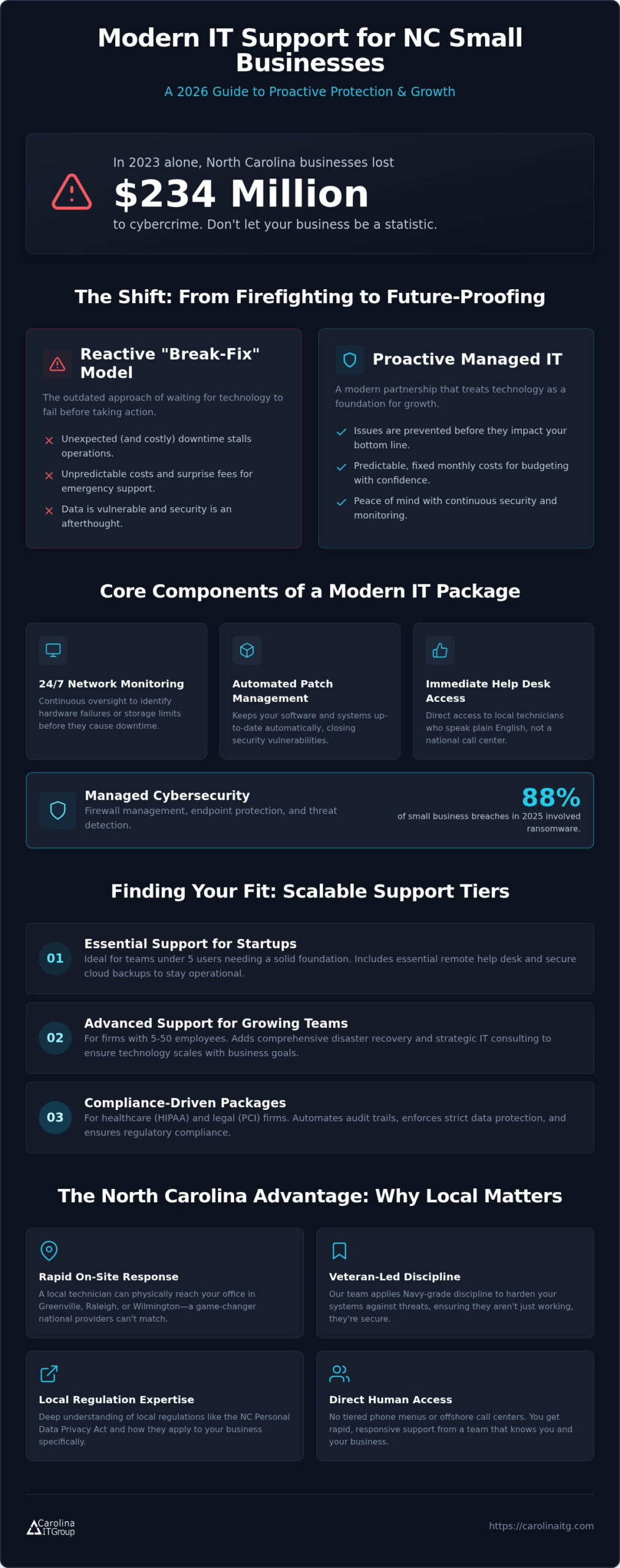
Did you know that the average cost of a data breach in the U.S. has climbed to a staggering $10.22 million in 2026? For North Carolina business owners, these figures aren’t just abstract data; they represent the very real fear of losing everything during a hurricane or a sudden power failure. It’s frustrating to feel confused about the difference between a simple backup and a true recovery plan, especially when your livelihood is on the line. We’ve created a structured disaster recovery plan template to help you replace that anxiety with a clear, actionable roadmap for your team. This guide breaks down exactly how to protect your data from regional threats and comply with the new NC Personal Data Privacy Act. You’ll gain the peace of mind that comes from knowing your business is ready for anything nature or technology throws your way.
Key Takeaways
- Learn how to identify your mission-critical systems and establish a clear chain of command to eliminate confusion during a regional emergency.
- Use our disaster recovery plan template to determine your ideal recovery timelines, helping your Greenville or Wilmington office minimize costly downtime.
- Discover how to customize your strategy for North Carolina-specific threats, from coastal hurricane season to local power grid failures.
- Understand the “living document” rule to ensure your recovery strategy stays compliant with 2026 state privacy laws and evolving tech risks.
Essential Components of a Modern Disaster Recovery Plan Template
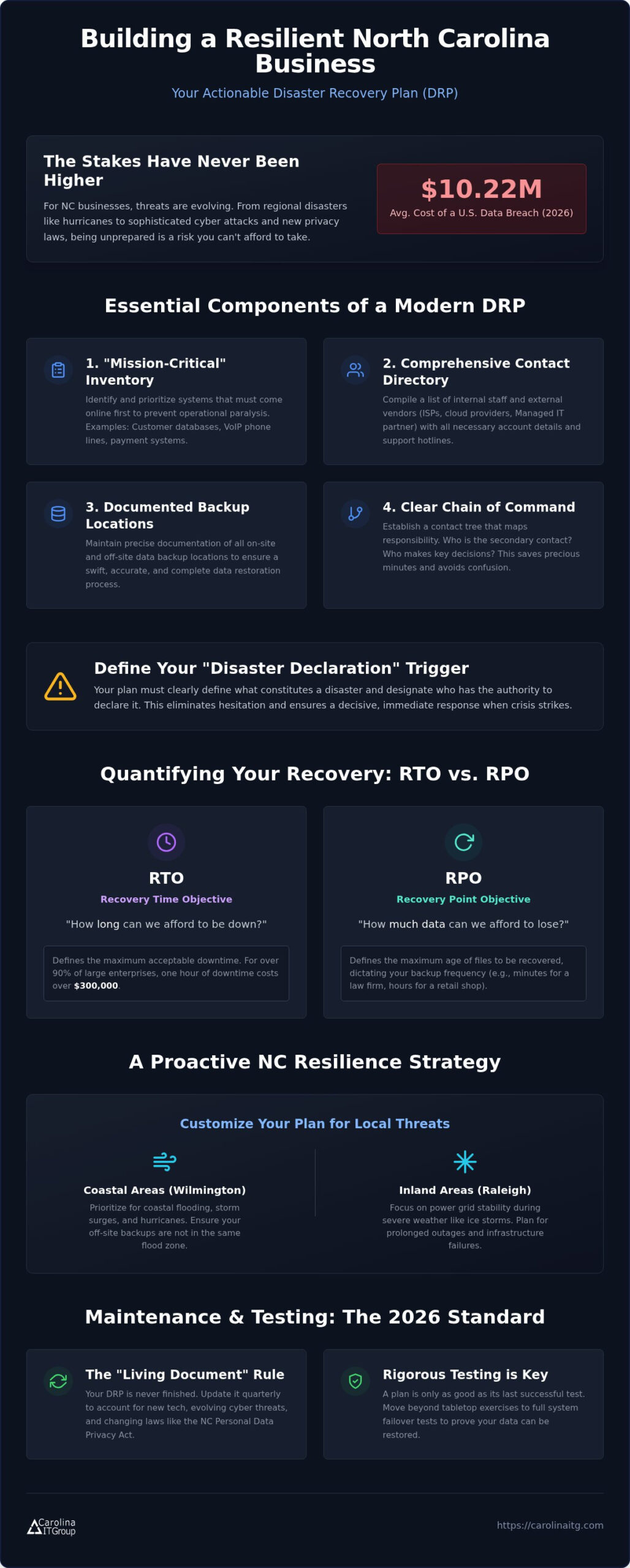
A robust disaster recovery plan template starts with a “Mission Critical” inventory. You can’t save everything at once when a crisis hits. Identifying which systems must come online first, like your primary customer database or VoIP lines, prevents total operational paralysis. For a solid foundation, understanding Disaster Recovery Plan basics helps you categorize these assets effectively based on their impact on your bottom line.
Your directory should extend beyond internal staff. It must include an external vendor list with immediate access to your ISPs, cloud storage providers, and your Managed IT partner. Don’t waste time searching for account numbers or support hotlines when the Raleigh power grid fails. Detailed documentation of data backup locations is equally vital. You need to know exactly where on-site and off-site data lives to ensure your restoration is swift and accurate.
Effective templates also include contact trees that establish a clear chain of command. This isn’t just a list of names; it’s a map of responsibility. If your office manager is unreachable during a storm in Wilmington, who is the secondary contact for facility access? Having these answers ready saves precious minutes.
Why Your Plan Needs a ‘Disaster Declaration’ Trigger
Confusion is the enemy of recovery. Your template must define what actually constitutes a “disaster” for your specific business. Is it a single server failure in Greenville, or is it catastrophic flooding from a coastal hurricane? Without a specific trigger, your team might hesitate or overreact. Assigning authority is the next step. Clearly designate which team members have the power to declare a disaster and initiate the recovery sequence. This prevents high-stress hesitation and ensures every employee knows their role before the first raindrop falls.
Step-by-Step: Filling Out Your IT Recovery Framework
Once you have your inventory, it’s time to put numbers against your risks. This is where your disaster recovery plan template moves from a simple list to a proactive strategy. Start by defining your Recovery Time Objective (RTO). If your Greenville office loses power or server access, how many hours can you actually afford to be dark before the financial impact becomes irreversible? Research shows that for over 90% of mid-size and large enterprises, a single hour of downtime costs over $300,000. While your SMB might have lower overhead, the proportional damage to your reputation and cash flow is just as sharp.
Next, establish your Recovery Point Objective (RPO). Think of RPO as the maximum age of files that must be recovered for your business to continue. For a Wilmington law firm, losing eight hours of case files is a disaster. For a retail shop, losing ten minutes of transaction data might be the limit. Filling out these details in your disaster recovery plan template ensures your hardware and software dependencies are fully mapped. You need to know exactly which applications require specific servers to function, ensuring you don’t try to launch a software tool before its database is online.
Calculating RTO and RPO for Local SMBs
Aligning these metrics with your Cybersecurity strategy ensures your recovery goals are realistic. If your current backups only run once every 24 hours, an RPO of “one hour” is impossible without technical upgrades. You can find more structured guidance in this Official Business Continuity Template. If you feel overwhelmed by these technical requirements, we’re here to help. You can reach out to our team for a mentor-led review of your specific recovery goals.
Turning Your Template into a Proactive NC Resilience Strategy
A generic disaster recovery plan template often overlooks the physical realities of the Tar Heel State. In Wilmington, your strategy must prioritize coastal flooding and storm surge protection. Conversely, a Raleigh office might focus more on power grid stability during winter ice storms. Accounting for these regional threats is what separates a paperwork exercise from a true survival strategy. You don’t want to discover your off-site backup is in the same flood zone as your main office when a hurricane makes landfall.
The “Living Document” rule is vital for 2026. A plan written in 2024 is already obsolete. It won’t account for the latest NC Personal Data Privacy Act requirements or the specific cloud egress fees that can cripple a recovery budget. For a Small-to-mid-sized business, the transition from a DIY template to professional management often happens when the complexity of these regulations outweighs internal resources. Professional oversight ensures your documentation evolves as fast as the threats do.
Testing and Maintenance: The 2026 Standard
You can find foundational guidance through an IT Disaster Recovery Plan resource, but your local execution must be rigorous. A tabletop exercise is a great starting point for discussing roles and responsibilities. However, it’s no substitute for a full system failover test that proves your data actually moves to the cloud and back without corruption. A disaster recovery plan is only as good as the last successful test performed on it. We recommend updating your framework quarterly to reflect new Managed IT Services and evolving security protocols. This proactive rhythm ensures your business stays resilient, no matter what the next season brings.
Secure Your Business Future Today
Building a resilient strategy requires more than just a disaster recovery plan template; it takes constant testing and regional awareness. You’ve learned to identify mission-critical systems and set recovery timelines that protect your cash flow and reputation. While a template provides the structure, professional oversight ensures your plan works when a hurricane hits the coast or a server fails in Raleigh. Since 1995, our veteran-owned team has provided proactive 24/7 monitoring for firms in Greenville, Raleigh, and Wilmington. We believe technology should provide peace of mind, not a headache. Don’t leave your data to chance during the 2026 storm season. Contact Carolina IT Group to build a bulletproof recovery strategy today. We’re here to act as your local mentor in securing your business’s legacy.
Frequently Asked Questions
What is the difference between a Business Continuity Plan (BCP) and a Disaster Recovery Plan (DRP)?
A Business Continuity Plan is a broad strategy for keeping your entire operation running during a crisis. In contrast, a Disaster Recovery Plan focuses specifically on restoring your IT systems and data. While your BCP might cover remote work logistics for your Raleigh team, the DRP ensures the servers they need are actually online. Both are essential for local resilience.
How often should my North Carolina business update its disaster recovery template?
You should review and update your disaster recovery plan template at least quarterly. Technology and local regulations, like the NC Personal Data Privacy Act, change rapidly. If you add new hardware in Greenville or switch software vendors in Wilmington, update your plan immediately. Regular maintenance ensures your contact trees and recovery objectives remain accurate when an actual emergency occurs.
Do I need a disaster recovery plan if all my data is in the cloud?
Yes, cloud storage is not a substitute for a recovery strategy. While your data lives off-site, you still need a plan to access it if your local internet fails or your provider has an outage. A proper disaster recovery plan template accounts for cloud egress fees and the specific steps required to reconnect your Raleigh or Wilmington office to those remote resources.
What is the 3-2-1 backup rule and how does it fit into my plan?
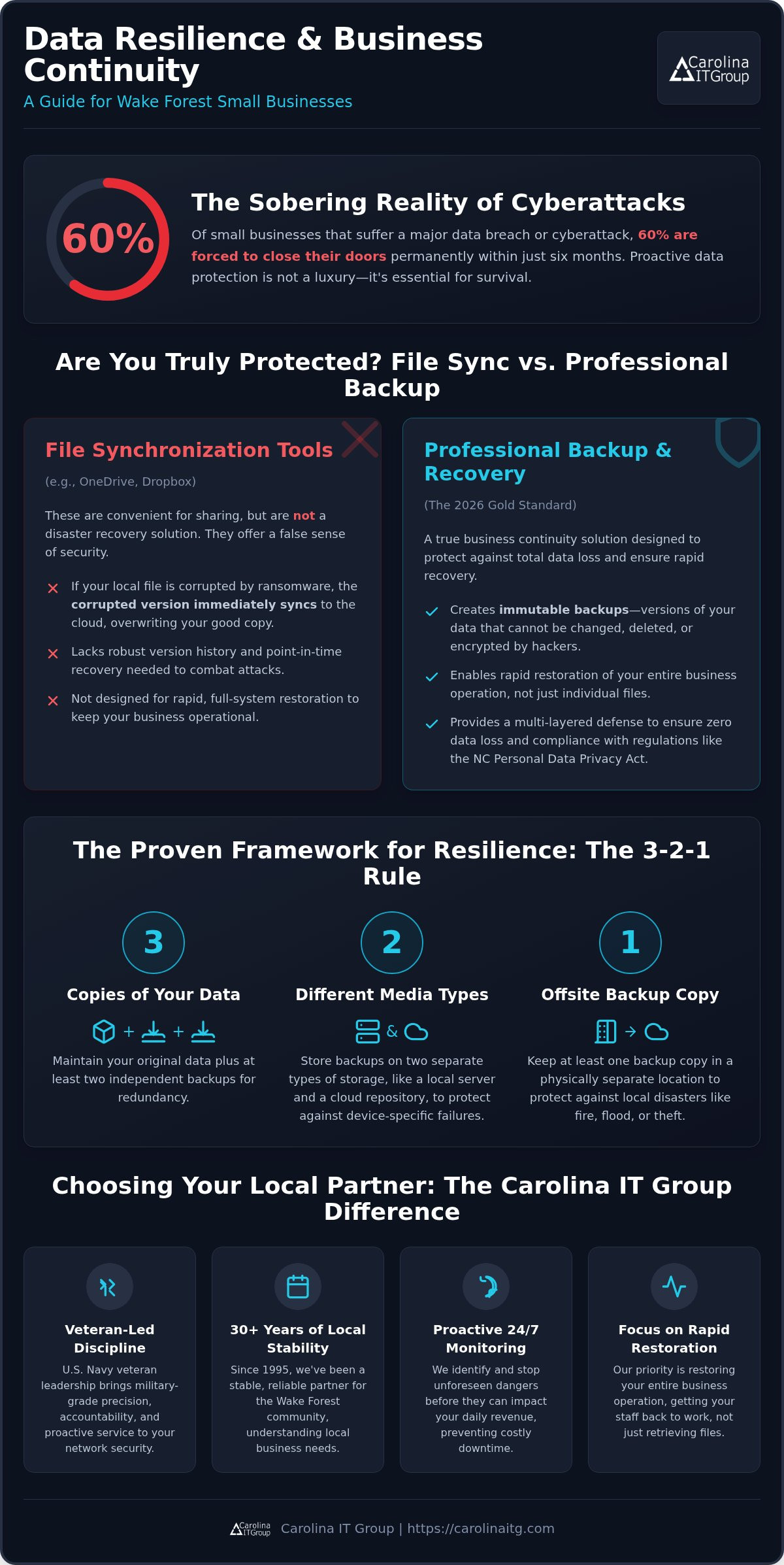
The 3-2-1 rule is a data protection standard. It requires keeping three copies of your data on two different types of media, with one copy stored off-site. For a Greenville business, this might look like your main server, a local backup drive, and a secure cloud repository. This redundancy acts as a safety net, ensuring you don’t lose everything if one system fails.

President & CEO
I hope you enjoyed this article. My mission is to take your stress away from dealing with IT problems. Call (252) 565-1235 or send me a message at our contact us page if you have a question, comment or want help.